Trail Warm-Up
Short practice bursts help students get comfortable and prepare for the lesson ahead.
Typing Agent V6 • Blizzard Type Essentials
The Typing Agent experience you trust, rebuilt for the next climb. Bring adaptive practice, built-in coaching, and motivating rewards together in one engaging typing journey.

Meet your mountain guide
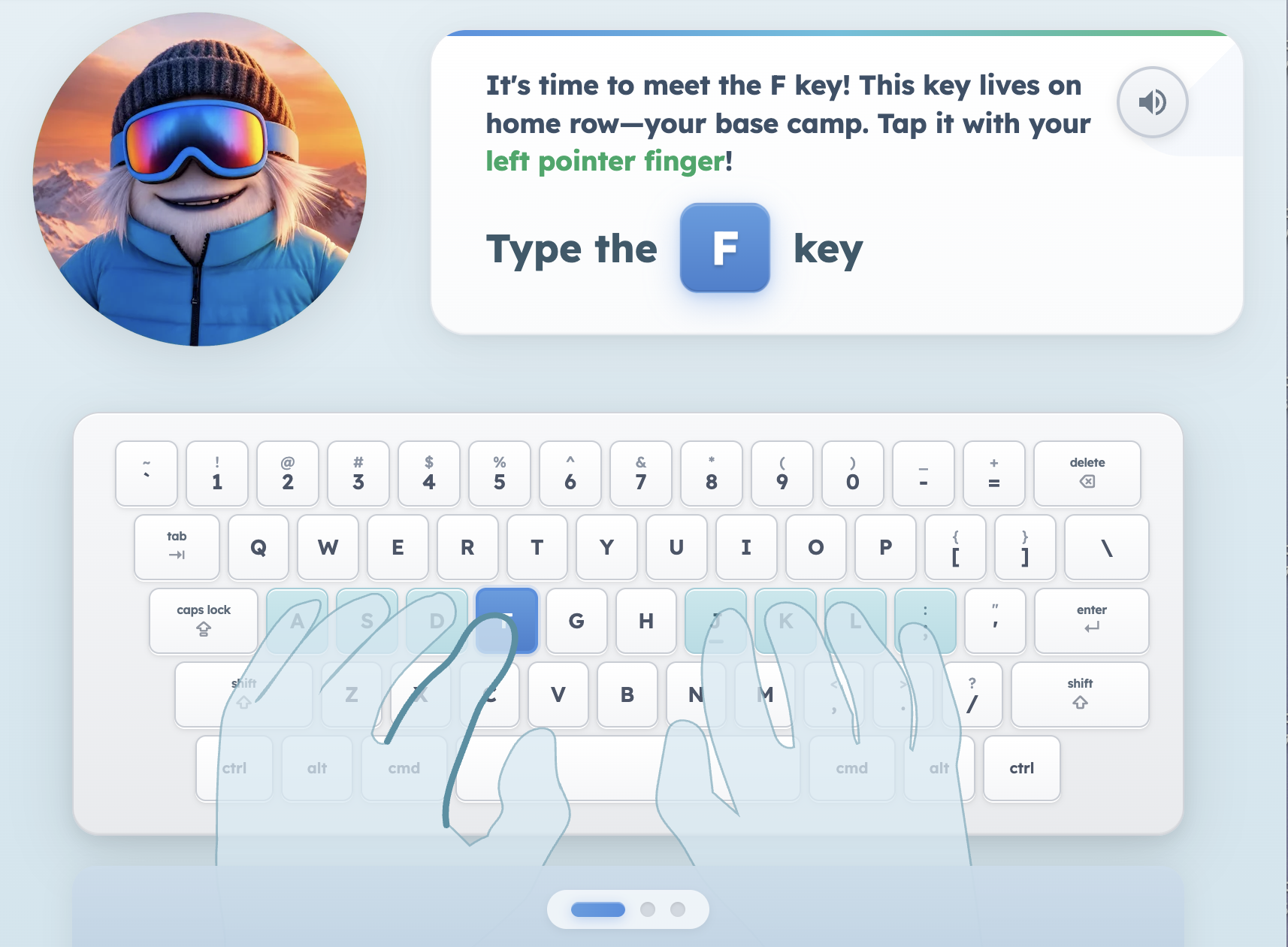
Meet Shiver, your students’ snowboarding Yeti guide. Instructional videos throughout the curriculum introduce typing technique, finger placement, ergonomics, and healthy habits.
A fresh student experience
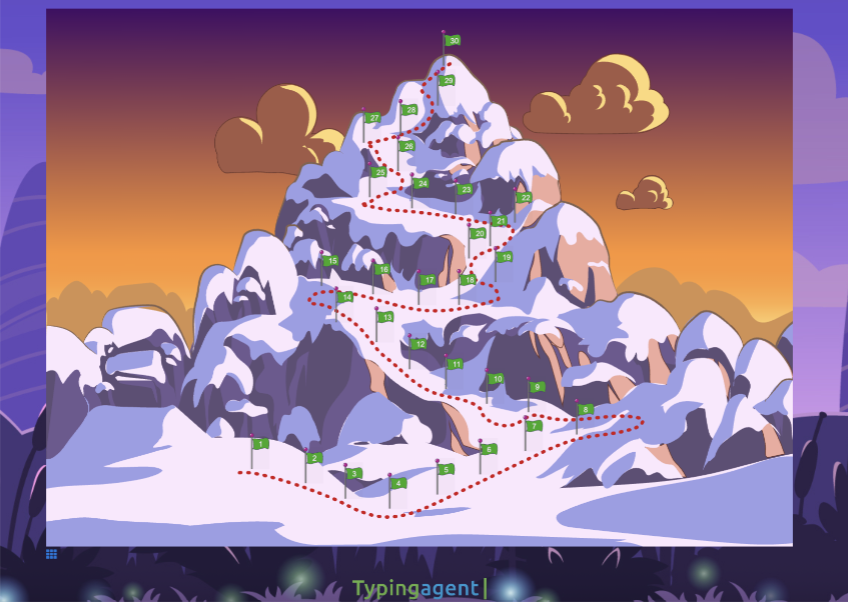
Cleaner visuals, intuitive lesson flow, and mountain-inspired progression bring a fresh feel to daily practice. Students can follow their path, see their progress, and focus on building stronger typing skills.
Inside Blizzard Type Essentials
From the first warm-up to the next milestone, students have tools to practice with intention and keep moving forward.
Short practice bursts help students get comfortable and prepare for the lesson ahead.
Adaptive drills and applied practice develop accurate, confident typing.
Practice responds to student performance and focuses on the skills that need attention.
Frost Freeze, Slow Mode, Ghost Cursor, and accuracy tools offer support during practice.
Instructional videos reinforce finger placement, ergonomics, and healthy typing habits.
Milestones give students clear goals and reasons to return to their learning journey.
Personalized learning
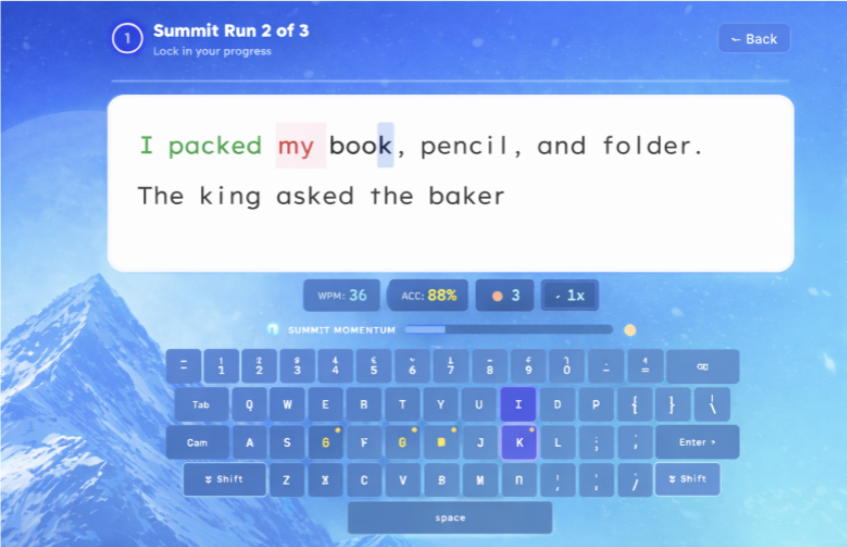
Summit Path analyzes typing performance to identify challenging keys and letter combinations, then builds practice around those skill gaps. An accuracy-first approach helps students develop correct habits as they work toward fluency.
Technique meets progress
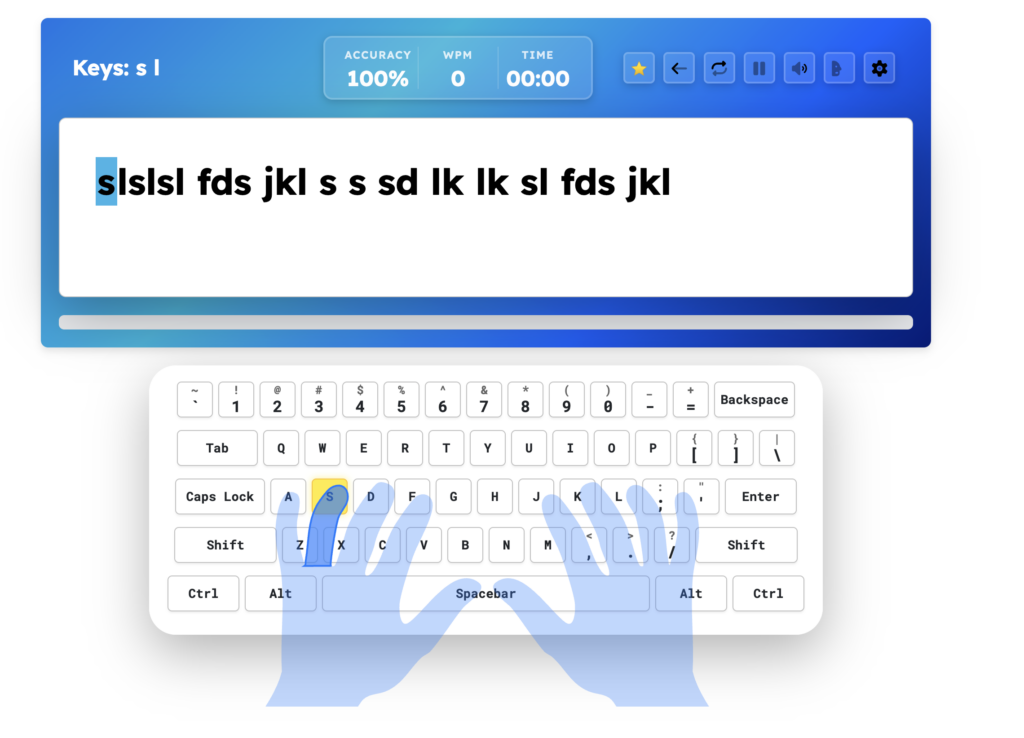
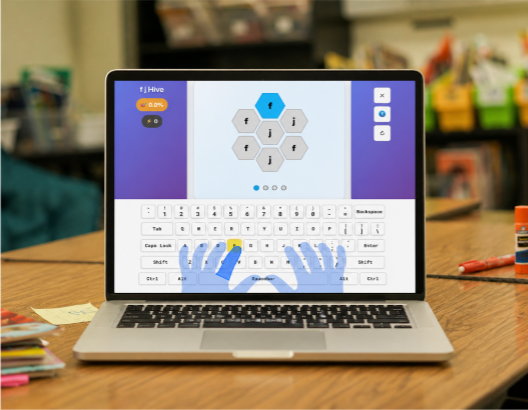
A precision-focused typing experience combines live performance feedback with hand and keyboard guidance. Students can connect what they see on screen with how they type, building technique alongside speed and accuracy.
Motivation that moves with them
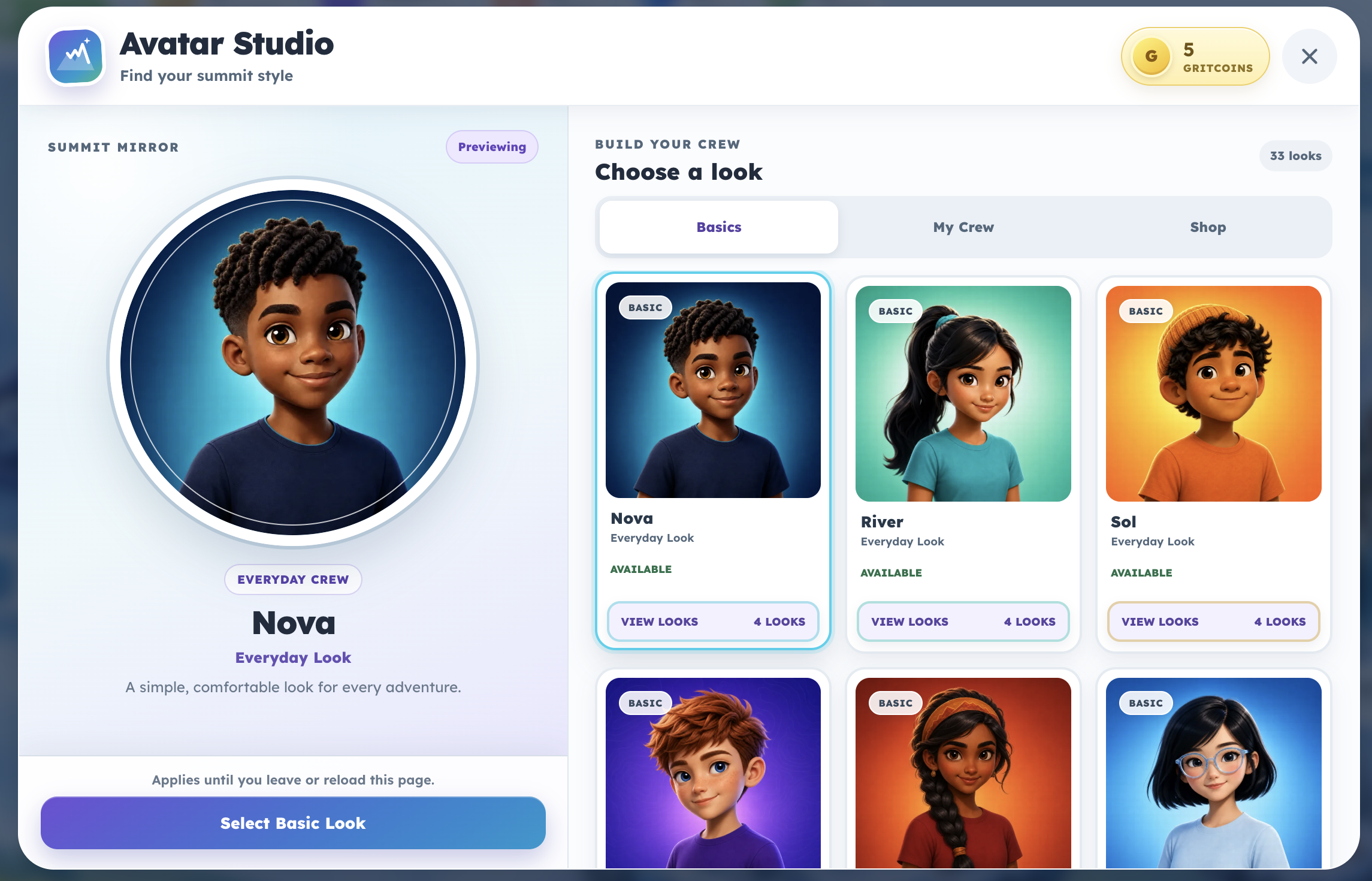
Badges, GritCoins, Experience Points, custom avatars, and unlockable rewards bring personality to daily practice. Structured goals turn effort into visible progress and give students something to work toward.
A foundation for every stage
Blizzard Type Essentials refreshes the grades 3–12 typing experience. The K–2 Mountain curriculum remains included, helping younger learners build confidence with age-appropriate activities before progressing into formal typing instruction.
Beyond typing
Extend the learning journey with digital citizenship, introductory coding, and social-emotional learning experiences.
Help students practice safe, responsible online behavior and thoughtful digital decision-making.
Introduce coding concepts while developing logical thinking, creativity, and problem-solving.
Support self-awareness, relationships, and responsible choices through social-emotional learning lessons.
Insight for educators
Reporting helps teachers and administrators understand how students are progressing and where additional support may be useful. Review typing performance, identify skill gaps, and use those insights to guide instruction.
Built for your classroom
Blizzard Type Essentials supports practice across Chromebooks, PCs, Macs, and iPads, giving schools flexibility across their technology environments.
Private by design
Give students a focused learning environment with no ads and no selling student information. Typing Agent is built around the needs of students, educators, and schools.
Explore our approach to student data privacyYour next adventure starts here
Explore Blizzard Type Essentials and see how Typing Agent fits your students, teachers, and district goals.

K-12 typing, digital literacy, and technology skills built for students, teachers, schools, and districts.




© 2026 Typing Agent LLC. All Rights Reserved.