Practice that adapts
Help students build skills with lessons that respond to their progress.
Typing Agent V6 • Teachers
Bring engaging typing practice to your classroom with adaptive lessons, useful reporting, and tools that help you focus on your students.

Made by teachers, for teachers
Help students build skills with lessons that respond to their progress.
Automatic grading gives you information to guide your next instructional step.
Set goals for a class or individual learner and assign practice to match.
Classroom tools
Organize learning around the skills your students need. Use assignments and classroom controls to support your instructional goals.
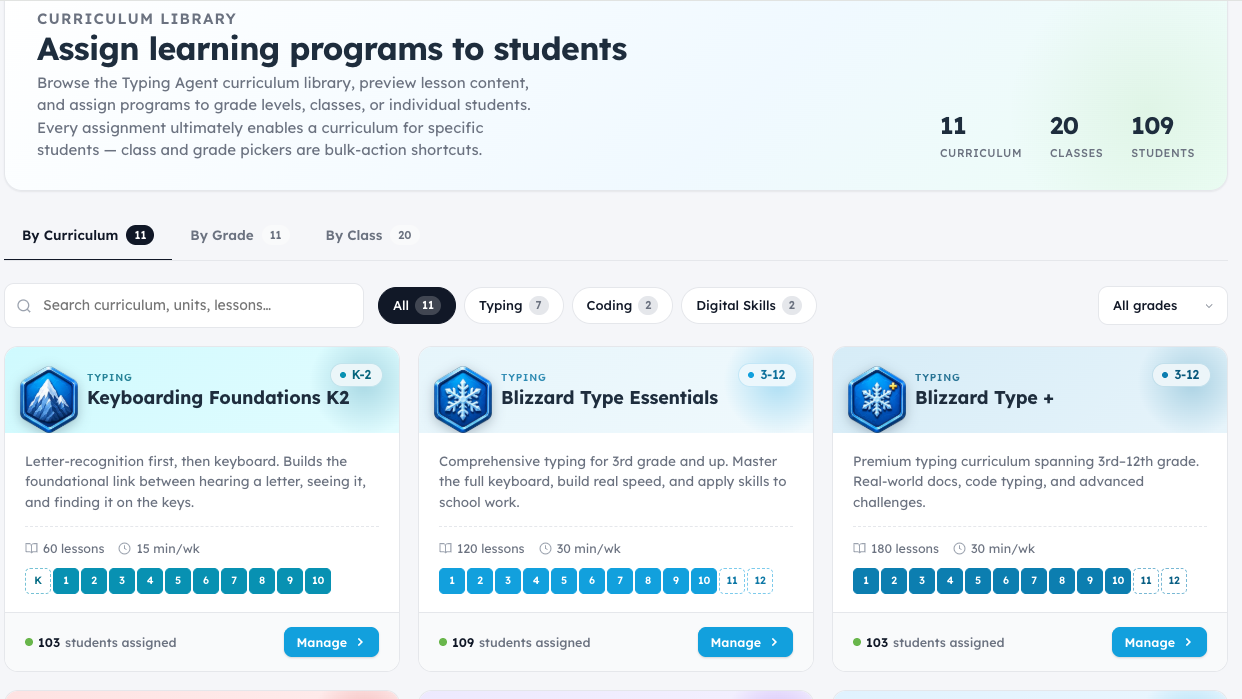
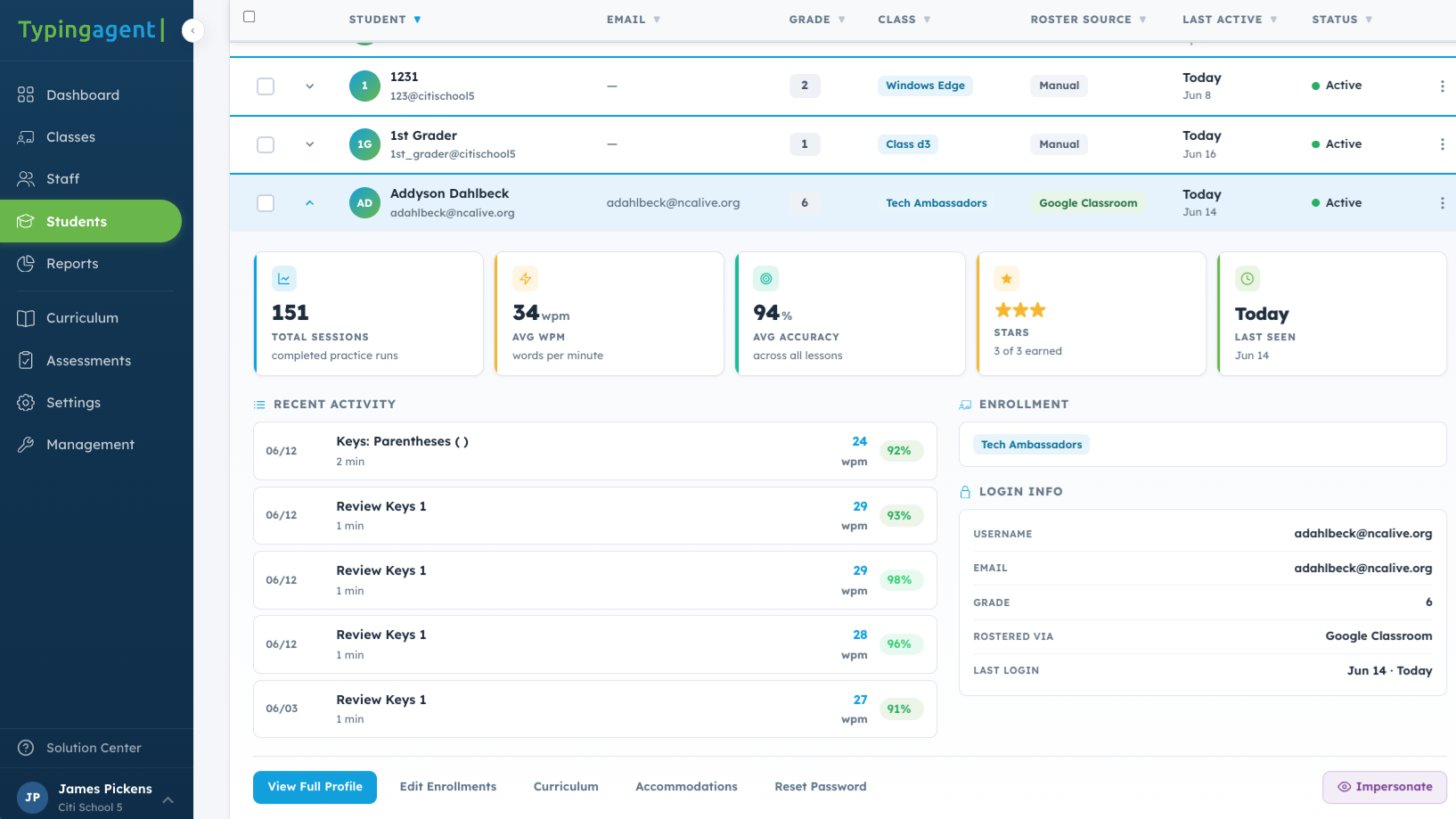
Progress you can use
Use student activity and reporting to understand participation and guide practice.
K–12 instruction
Typing Agent automatically delivers the right lessons at the right time, ensuring every student learns at their own pace.
This spiraling curriculum meets ISTE, state, and local standards while keeping students engaged.

Connect your classroom
Explore rostering and sign-in options that work with your school’s technology environment.




Our team can help you understand the options available for your classroom or district.
Ask About SetupBuild on typing skills
Explore online safety and responsible technology use through videos, quizzes, and typing activities.
Introduce HTML, JavaScript, and Python through typing practice and coding challenges.
Build typing fluency so students can spend more time planning, thinking, and revising their responses on digital assessments.
Explore Test PrepConnect typing practice with emotions, empathy, relationships, and thoughtful decisions.
Build writing habits that support classroom assignments and standardized test preparation.
Review national and state curriculum connections to support your lesson planning.
The Keyboard Tax
When typing takes extra effort, students have less time to develop their answers. Consider a 300-word response during a 60-minute writing session.
About 33 minutes spent typing
About 27 minutes remain to plan, think, and revise.
10 minutes spent typing
50 minutes remain to plan, think, and revise.
That’s about 23 more minutes available for thinking and revision.
Illustrative calculation: 300 words divided by typing speed. Actual writing time varies and includes pauses, corrections, and composition.
Explore the Keyboard Tax & Test PrepAccessibility for every learner
Explore dyslexia-friendly fonts, video captions, and one-handed typing options. Review the accessibility information as you plan for the students in your classroom.
Review Accessibility InformationRead teachers’ experiences with student engagement, reporting, and classroom support.
Read Teacher TestimonialsWorld-class support
Find step-by-step guides, training videos, and webinars, or reach our team through phone, email, and in-app chat.
Your next step
Try Typing Agent or take a tour focused on your teaching goals.

K-12 typing, digital literacy, and technology skills built for students, teachers, schools, and districts.




© 2026 Typing Agent LLC. All Rights Reserved.